A+ Content
Look like a traditional publisher — without one.
The “From the Publisher” section can boost conversions by up to 8%. But most indie authors skip it because it's a pain to create. We handle the copy, the images, and the layout.
No account required. Free, instant results.
8% more sales — and most authors leave it on the table
Amazon gives every KDP author the ability to add rich images, formatted text, and comparison charts below their book description. It's free. It boosts conversions. And almost nobody uses it — because creating quality A+ Content takes design skills most authors don't have. Until now.
How it works
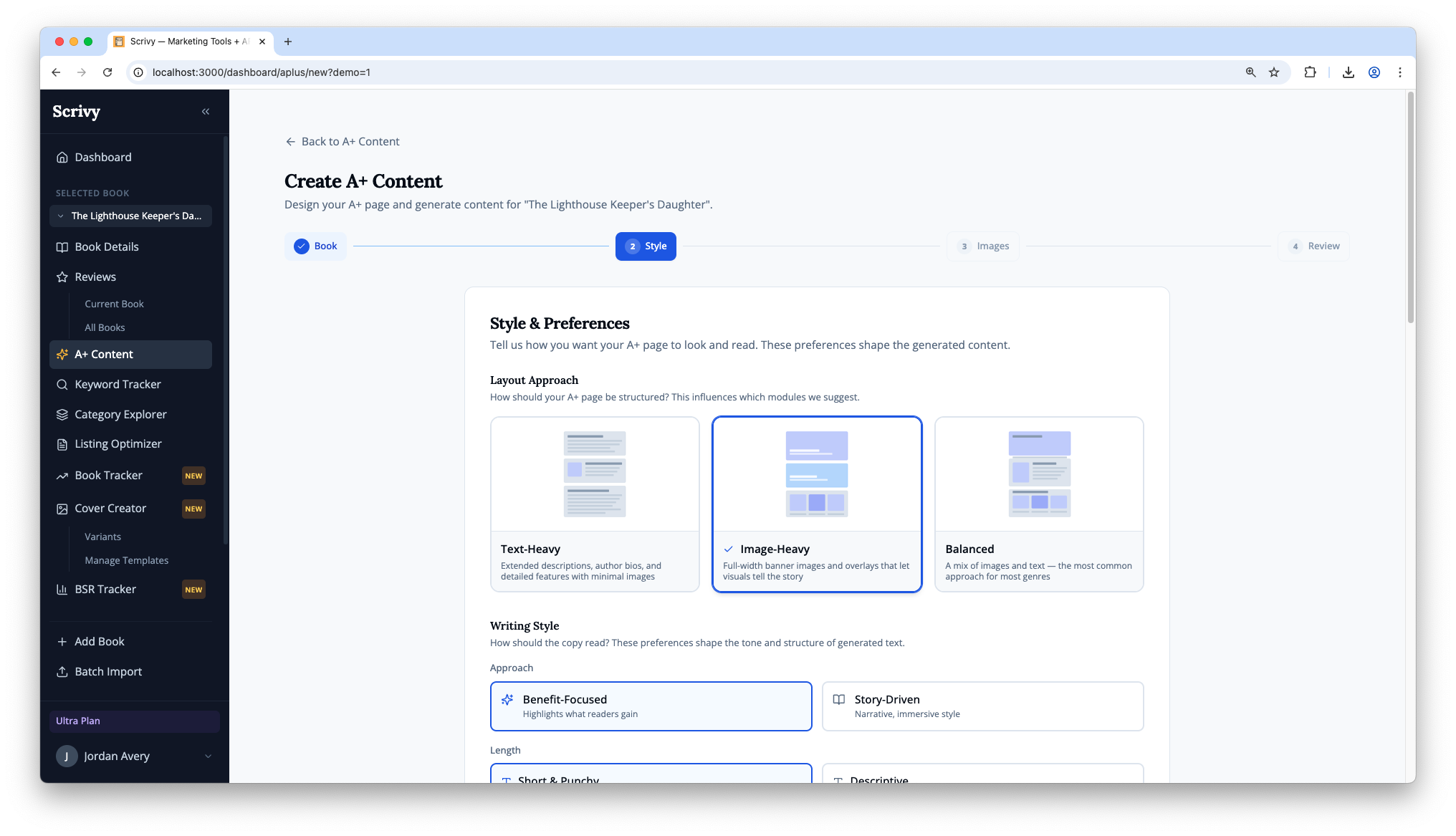
Pick a layout
Choose from 17 A+ Content module types — comparison charts, image headers, text overlays, and more.
Add your book
Enter your title, description, and genre. Upload a PDF for even better AI-generated copy.
Generate with AI
Claude writes professional copy for every module. Get click-to-copy text in seconds.
Create images
Generate AI-powered images sized for each module. Download everything and publish to KDP.
Everything you need to create A+ Content
AI-generated copy
Professional "From the Publisher" copy written by Claude, tailored to your book's content and genre.
AI image generation
Generate images for every A+ module at Amazon's exact required dimensions. No design skills needed.
17 module types
Comparison charts, image headers, text overlays, standard text — all the module types Amazon offers.
Click-to-copy
Every piece of generated text has a copy button. Paste directly into KDP's A+ Content editor.
Download everything
Export your complete A+ Content package — all copy and images in one download.
Up to 8% more sales
Amazon reports that A+ Content can boost conversion rates by up to 8%. Most indie authors skip it.
Frequently asked questions
Is A+ Content free on KDP?
Yes. Amazon A+ Content is completely free for all KDP authors. You don't need Brand Registry — it's available to every self-published author.
Do I need an account to use the generator?
No account needed to generate text. You'll need a free account to generate AI images and save your designs.
Where does A+ Content appear on my book page?
It appears in the "From the Publisher" section on your Amazon product detail page, below the book description. It's visible on both desktop and mobile.
What image sizes do I need?
Sizes vary by module type. Our generator creates images at the exact dimensions Amazon requires — 970x600 for headers, 300x300 for standard images, etc.
How long does approval take?
Amazon typically reviews and publishes A+ Content within 24-48 hours. If rejected, you'll get feedback on what to fix.
Can I use A+ Content on Kindle ebooks?
Yes. A+ Content works for both Kindle ebooks and paperbacks. The content appears on the same product detail page regardless of format.
Create your A+ Content in minutes
Try the free generator — no account needed. Or sign up free for the full toolkit.